














 Find us
 Contact Us
 My account

Peugeot Mirror Screen®
23 September 2016
Peugeot Mirror Screen
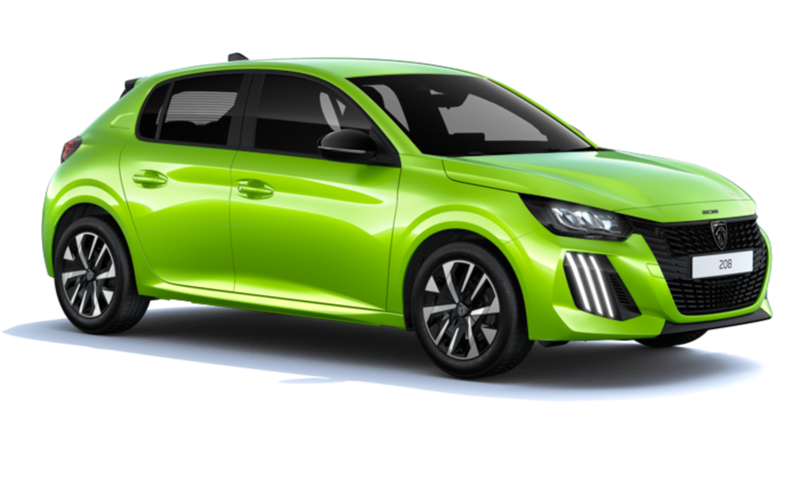
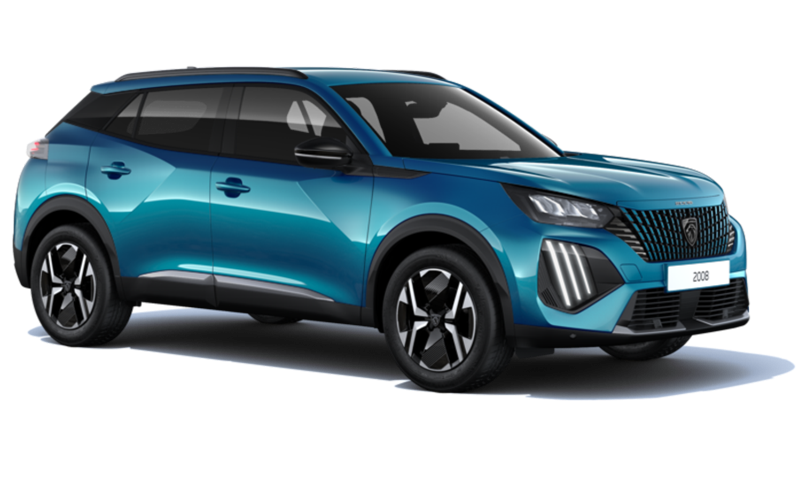
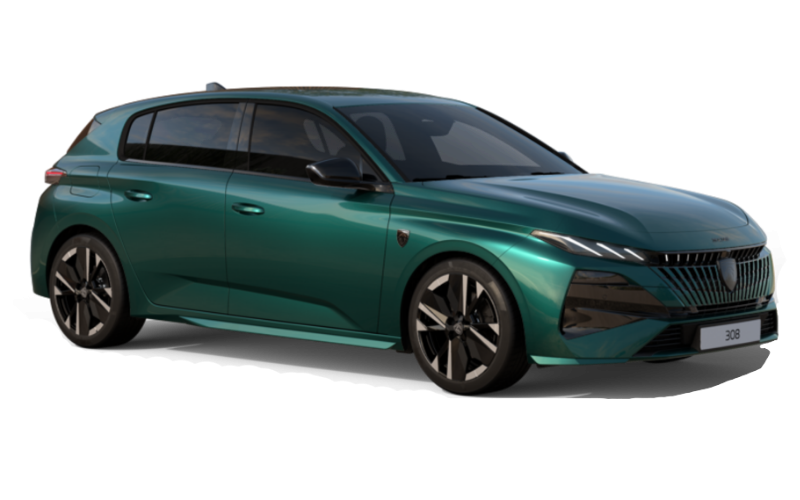
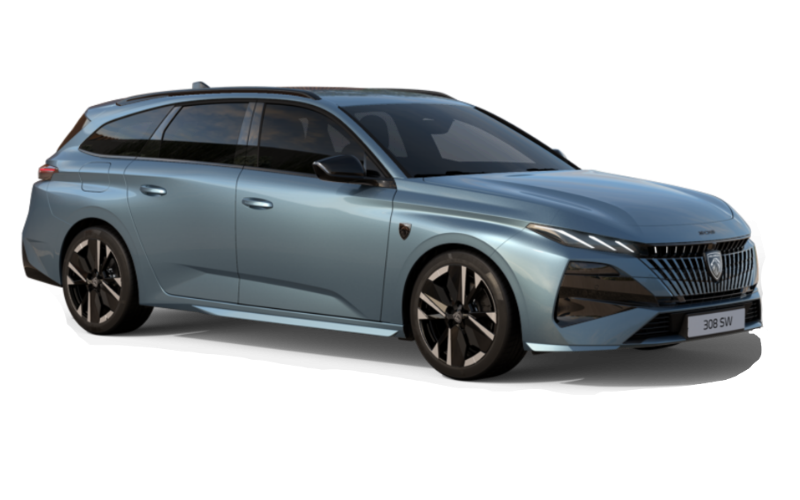
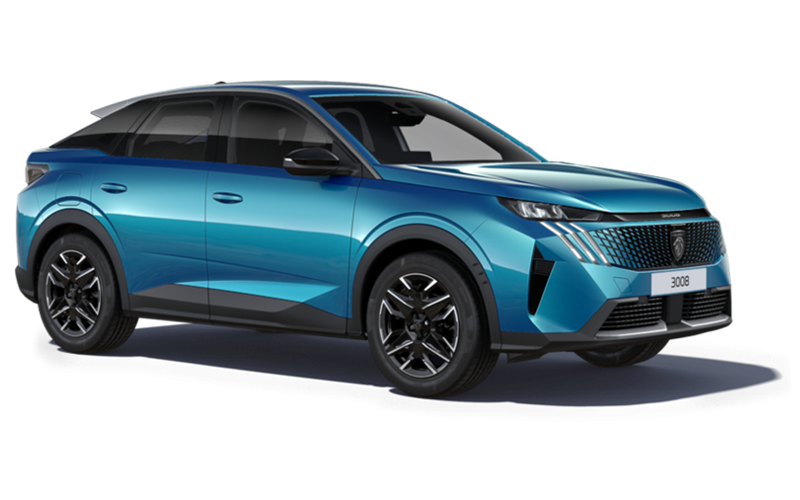
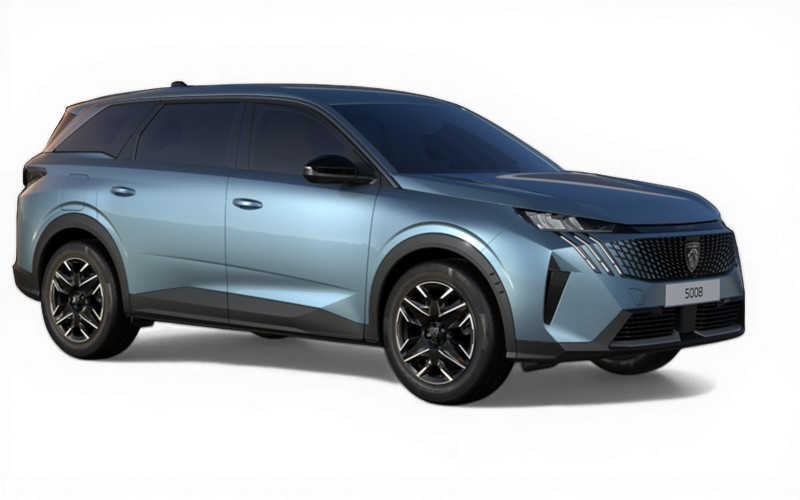
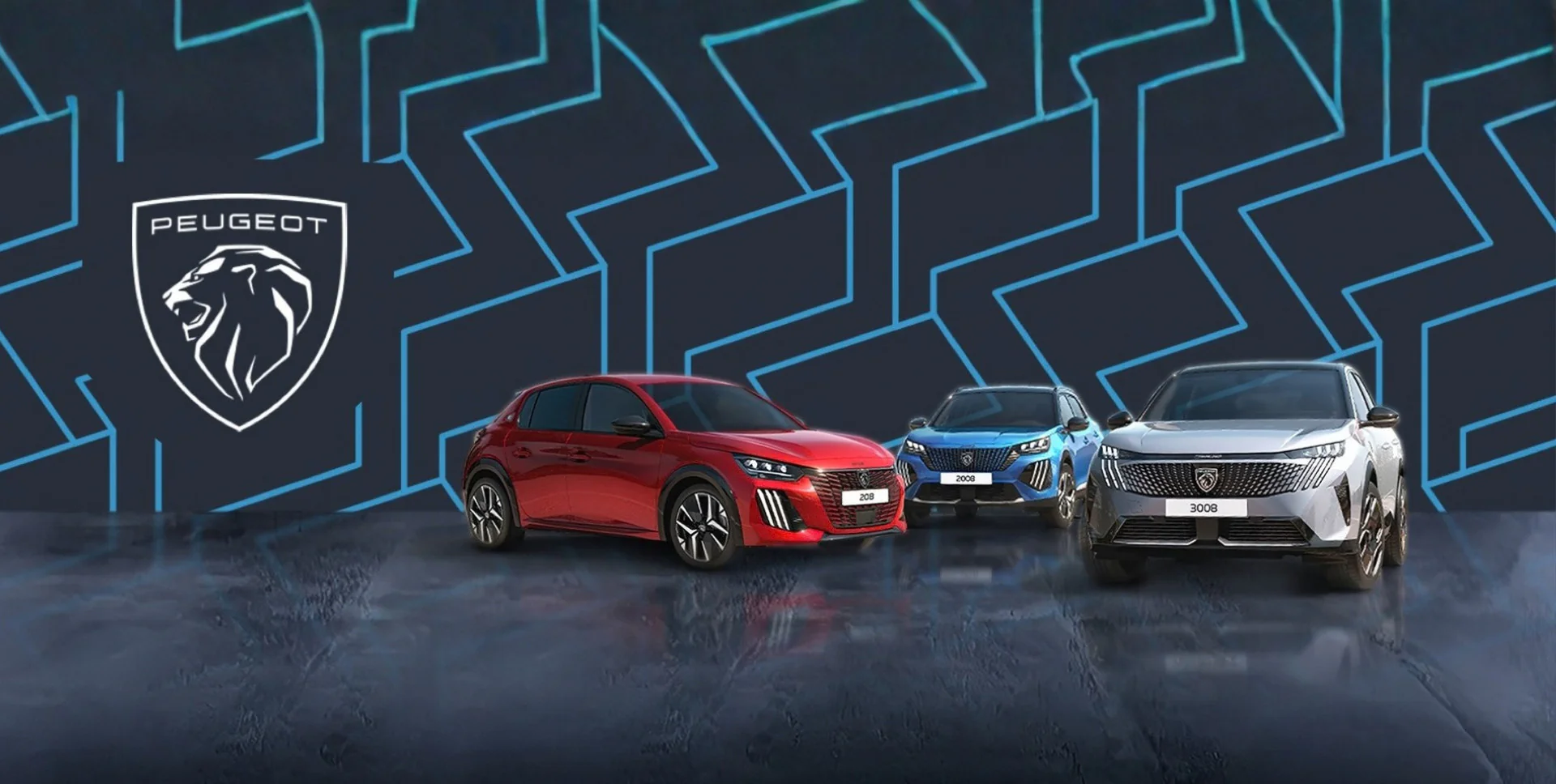
Peugeot Mirror Screen® allows your compatible smartphone to communicate with your 108 or any of the 208, 2008 SUV range, new 308 range (2017), 3008 SUVrange, 508 Saloon, 508 SW and the all-new 5008 SUV range, allowing you to display compatible apps on the 7" touchscreen and manage them using the vehicle controls.
Safe and convenient, Peugeot Mirror Screen® uses the latest MirrorLink® (for Android phones on 108 and 208) and Apple CarPlay® (for iPhones on 208, 2008 SUV, new 308, 3008 SUV, 508 Saloon, 508 SW and the all-new 5008 SUV range) technology to bring smartphone connectivity to your car whilst keeping your eyes on the road and your hands on the wheel.
Compatibility is based on the phone providers' original operating system and therefore may change if the phone provider offers an update which renders the phone incompatible with MirrorLink®.
Normal USB and Bluetooth® functionality is still supported for most other smartphones, accessed from the 7" touchscreen.
Frequently asked questions
What is MirrorLink®?
“Mirror link”, properly known as MirrorLink® technology, was developed by the Car Connectivity Consortium, which brings together the leading manufacturers of automobiles, smartphones and consumer electronics as well as application developers. MirrorLink® is a standard link that connects smartphones to embedded infotainment vehicle systems. This allows the user to use some basic applications for smartphones in their vehicle.
What is CarPlay®?
CarPlay® offers significantly improved functionality and ensures that Mirror Screen® on the 208, 2008 SUV, all-new 3008 SUV, 508 Saloon and 508 SW is compatible with current iPhones. CarPlay® complements the PEUGEOT i-Cockpit® perfectly, as it features Siri voice control which allows phone calls, text messages, music and maps to be used without the need to take eyes off the road.
What apps are compatible with MirrorLink®?
The new apps compatible with MirrorLink® are:
Sygic GPS: A chargeable navigation app which guides you to your destination with a map installed on your smartphone. An internet connection is not required and free map updates are provided each year.
MiRoamer: Worldwide web radio. A free app which allows the user to choose stations by genre, country or language.
HTC Car Mode: Gives access to phone and music functions via Mirror Screen®.
What functions do I get with Carplay®?
Connect a compatible iPhone into the USB port using the cable supplied with the iPhone and select CarPlay® on the touchscreen.
This will place useful functions from your iPhone onto the touchscreen: make calls, send and receive text messages, listen to music, get directions etc.
CarPlay® features Siri voice control which can be accessed from the touchscreen, by pressing the button at the end of the lighting stalk or by saying “Hey Siri” (you may need to configure this in your phone settings).
Calls: Make calls, returned missed calls or listen to voicemail. Tip: use voice control and Siri will help access your contacts plus offer options to call home/mobile/work.
Siri: Siri can send, read and reply to text messages for you, so you don’t need to look at your iPhone while driving. CarPlay® now plays audio messages too, so you can hear from people in their own voices.
Maps: Receive turn‑by‑turn directions, information on traffic conditions and estimated travel time. CarPlay® can also predict where you most likely want to go using addresses from your email, text messages, contacts and calendars.
Music: Access songs and playlists that are saved on your phone. The music app is also compatible with voice control so tell Siri what you’d like to hear. CarPlay® supports other apps on your iPhone so listen to podcasts and audio books or use spotify without taking your eyes off the road.